Getting started · representative-capture
Check system and email requirements
Route under test: requirements
Before you start
- A Windows 10 or later PC
- A local mail client such as Outlook for emailing documents
Workflow
- Step 1. Confirm that the WorkCabinet PC runs Windows 10 or later.
- Step 2. Install and configure your preferred local mail client before using email actions.
- Step 3. Confirm that your Windows user account can install and run the application.
- Step 4. Use the Help Centre and website for downloads, licence steps and connected services when internet access is available.
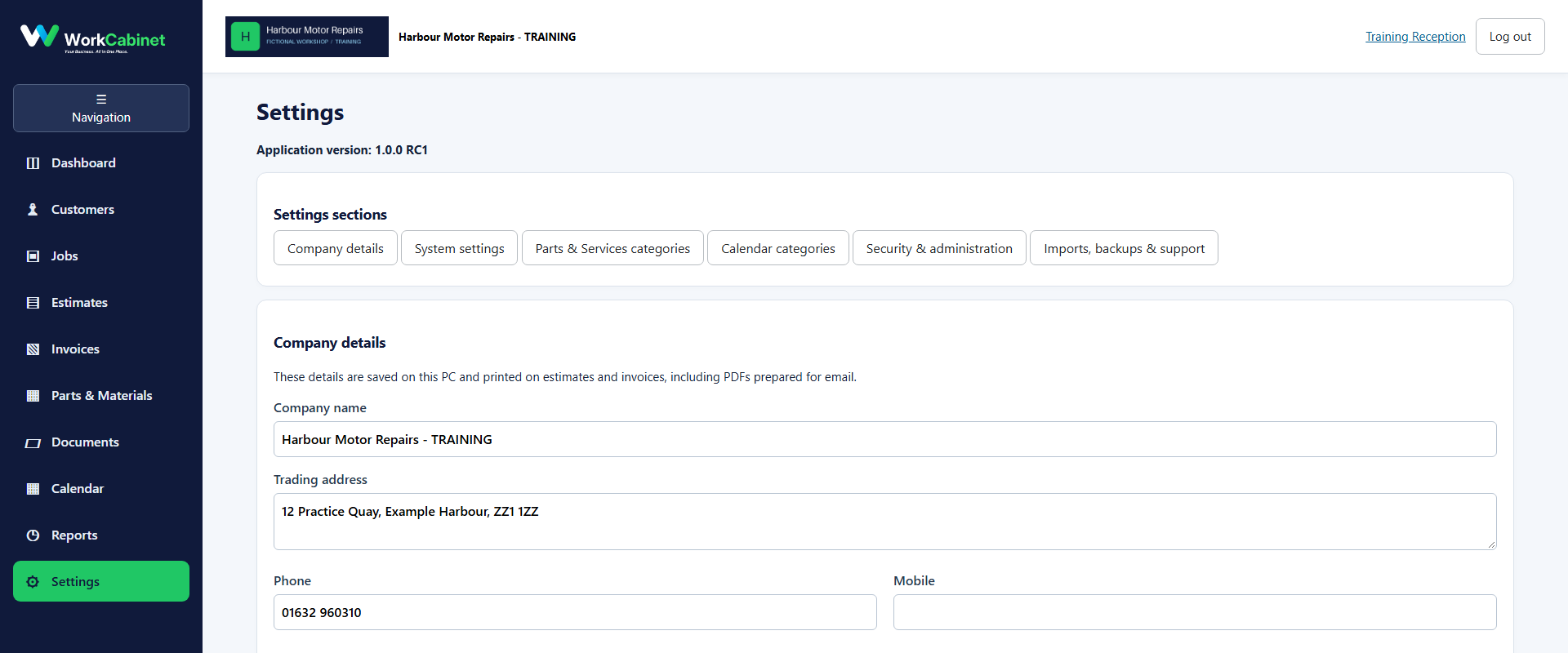
Capture note: This image is genuine product evidence. Representative captures are used where the workflow prerequisite itself is not a visible application screen.